Features
Every feature, one workspace.
Everything you need to go from first idea to a factory-ready tech pack, in one AI workspace for apparel.
Design
Sketched, printed, coloured.
From a typed brief, a photo or a scribble to clean sketches, palettes and prints you can edit part by part.
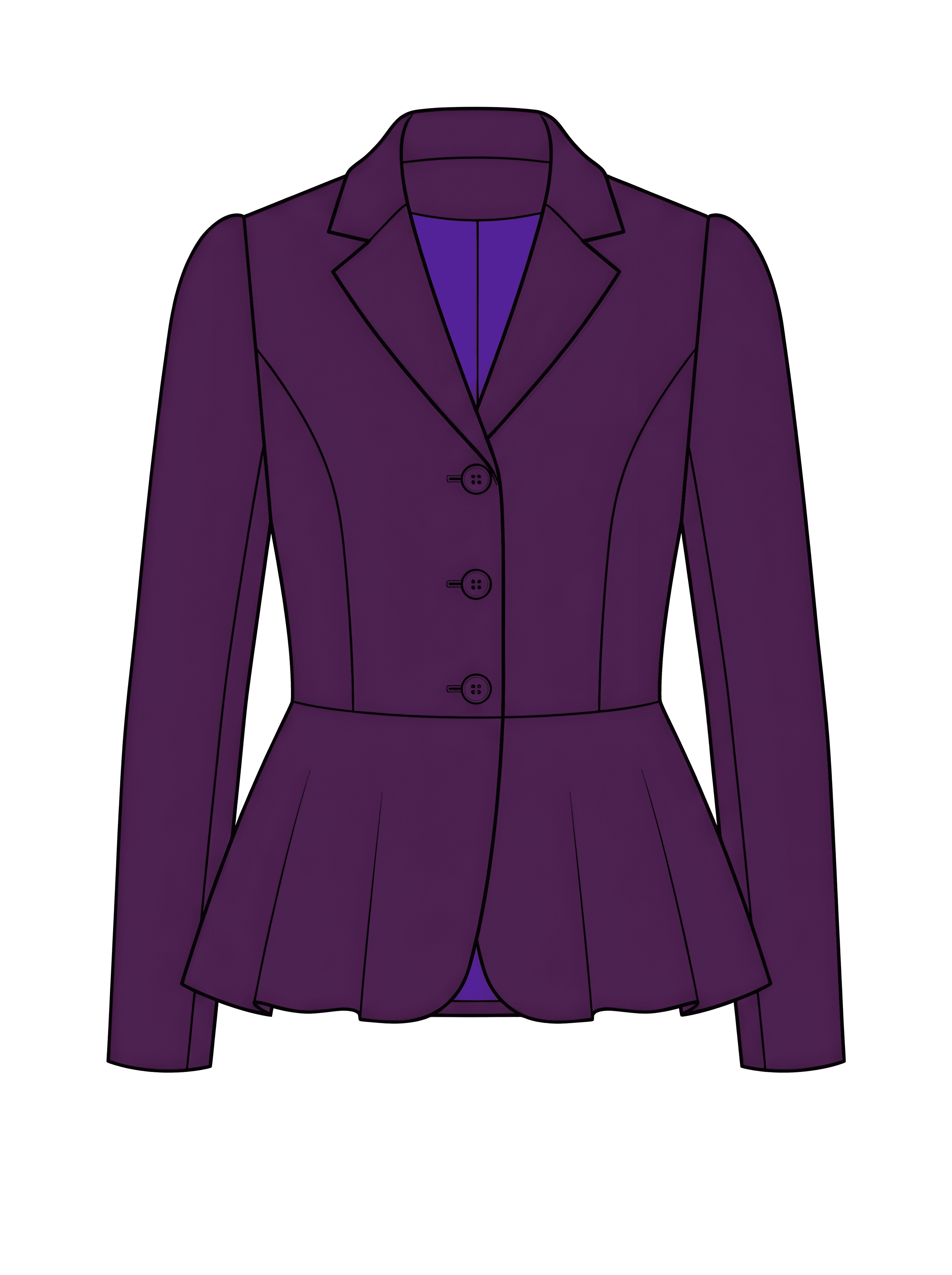
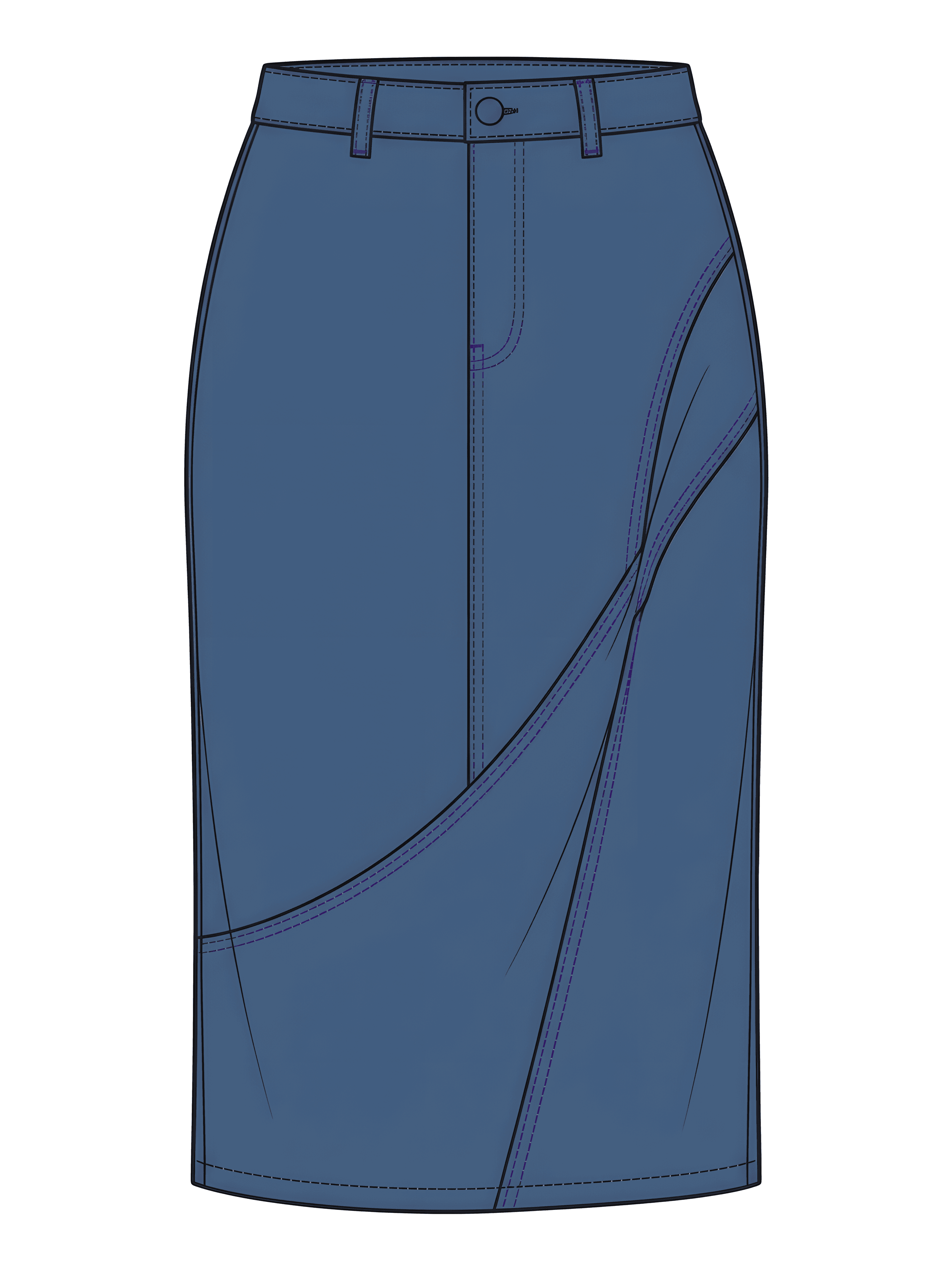
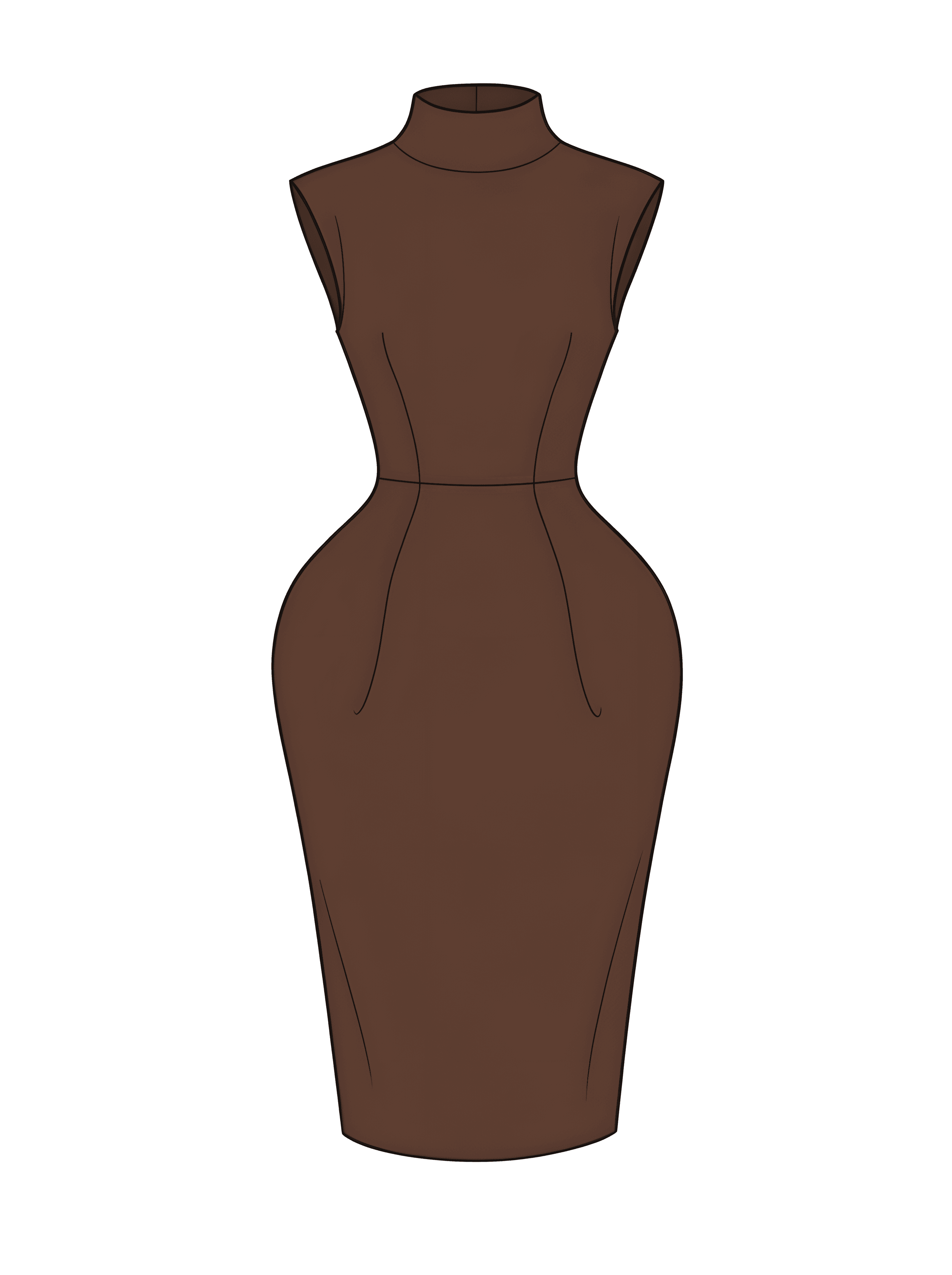
Prompt → coloured sketch
Type what you want and get a coloured fashion flat (Coloured CAD) you can refine and send to mockups or a tech pack.
- SVG
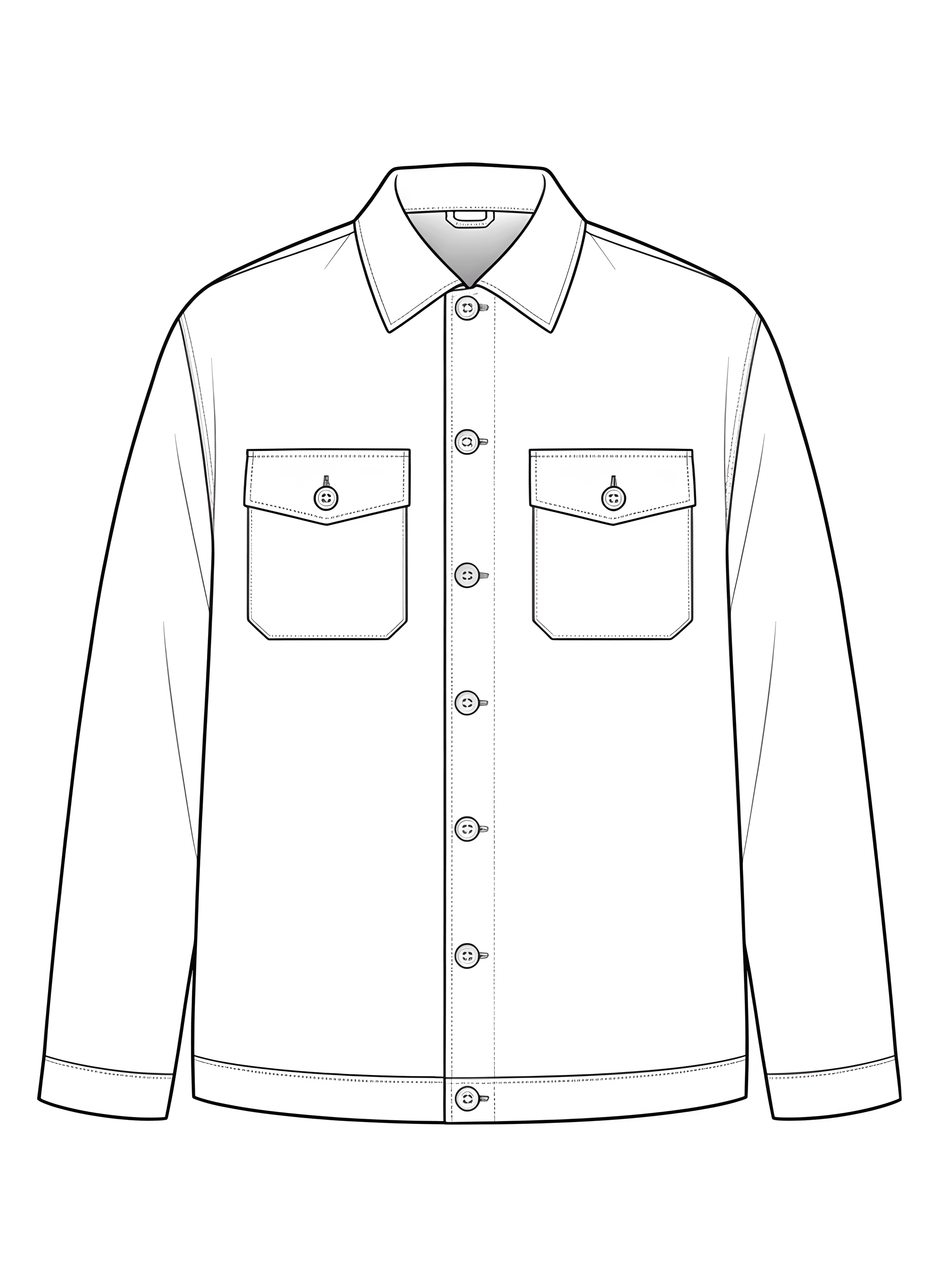
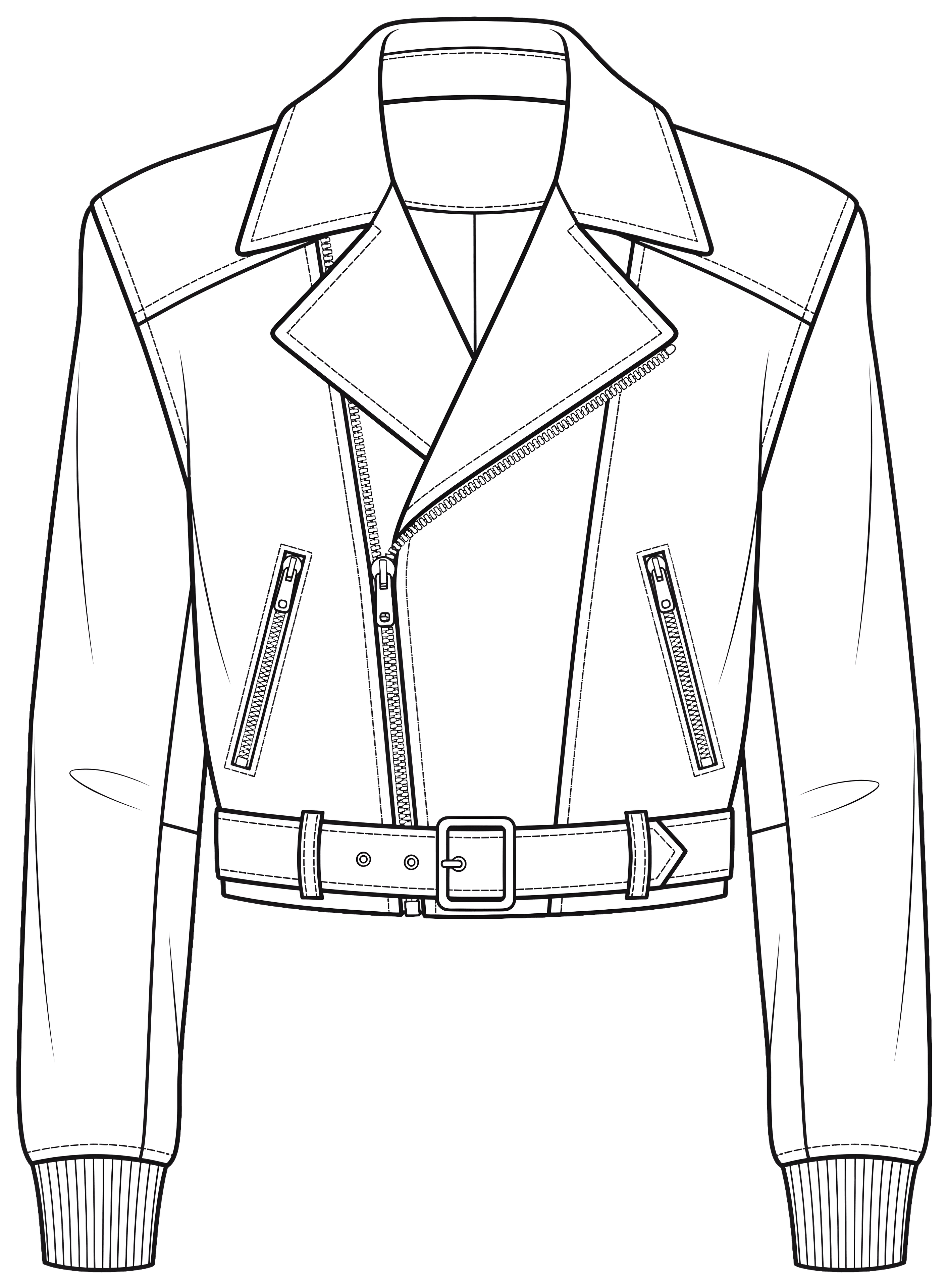
Prompt → flat sketch
Generate black-and-white technical flats (line drawings factories recognise) from a short brief — export-friendly for production.
- SVG
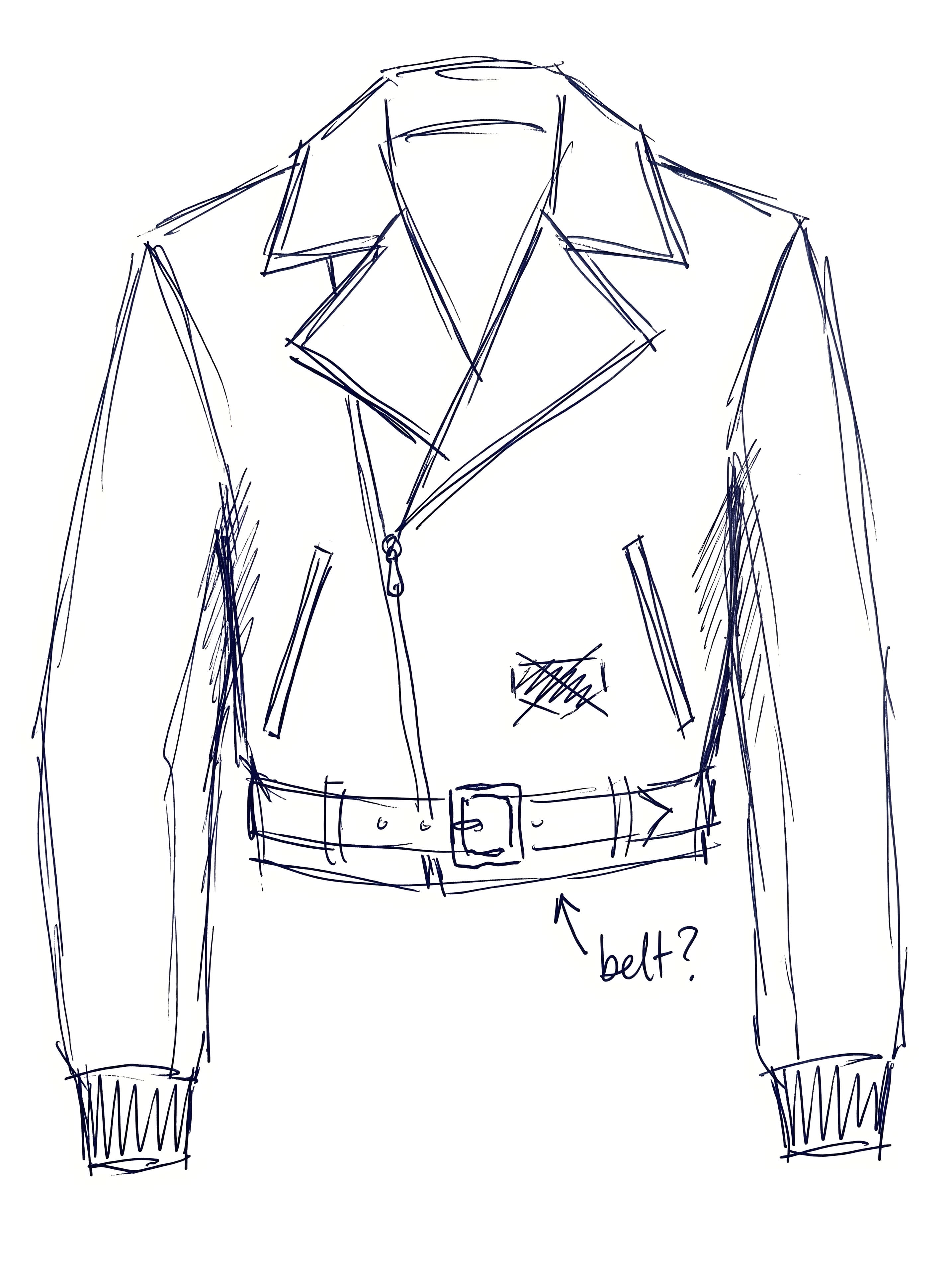
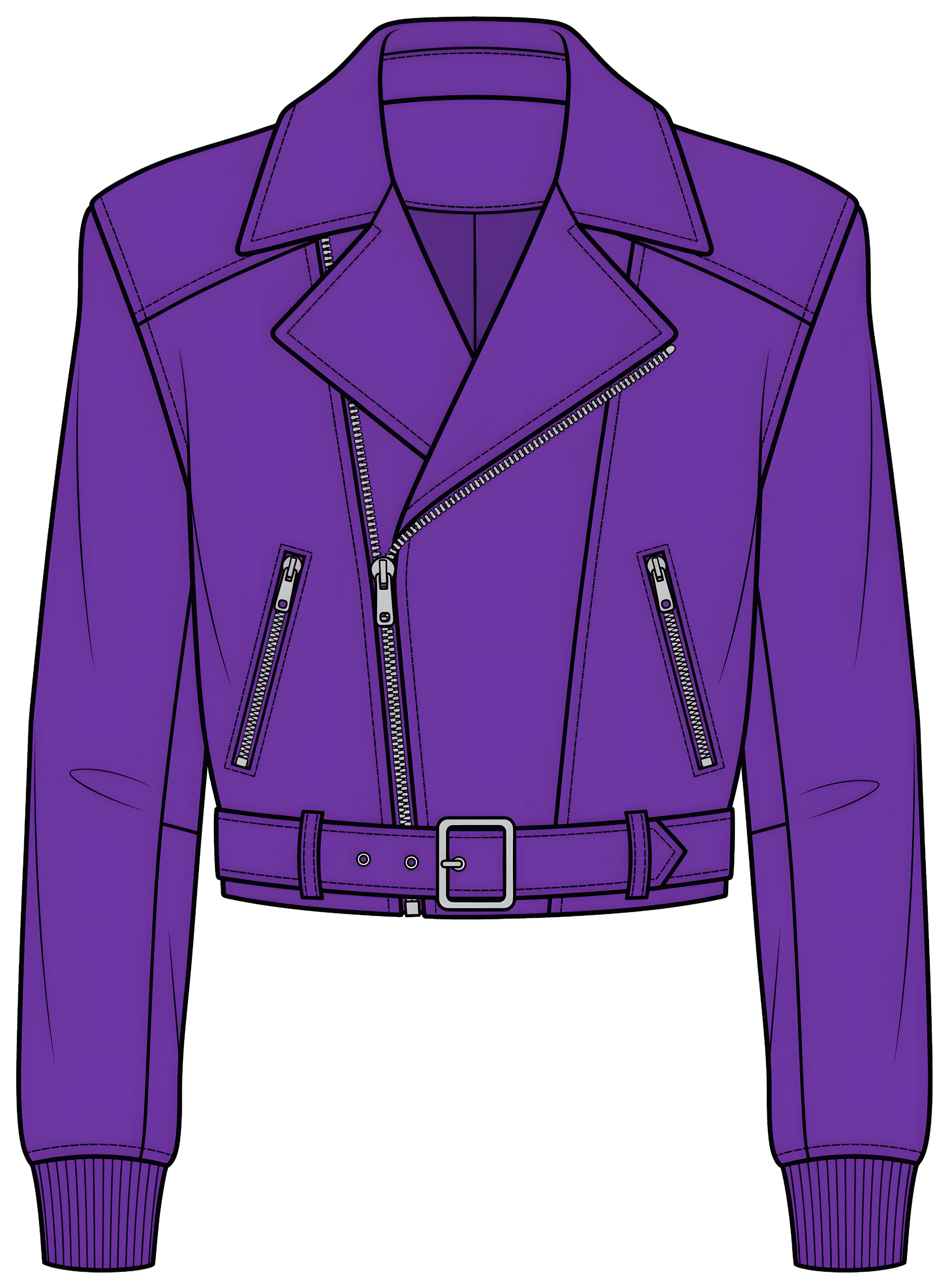
Reference image → new design
Upload a photo, a mood image or a rough scribble and get a clean coloured sketch to build on — not a blank canvas.
Build the colour direction
Start from a mood, a season or a colour you want to keep. clothink creates a named palette you can apply across sketches and mockups.
- SVG
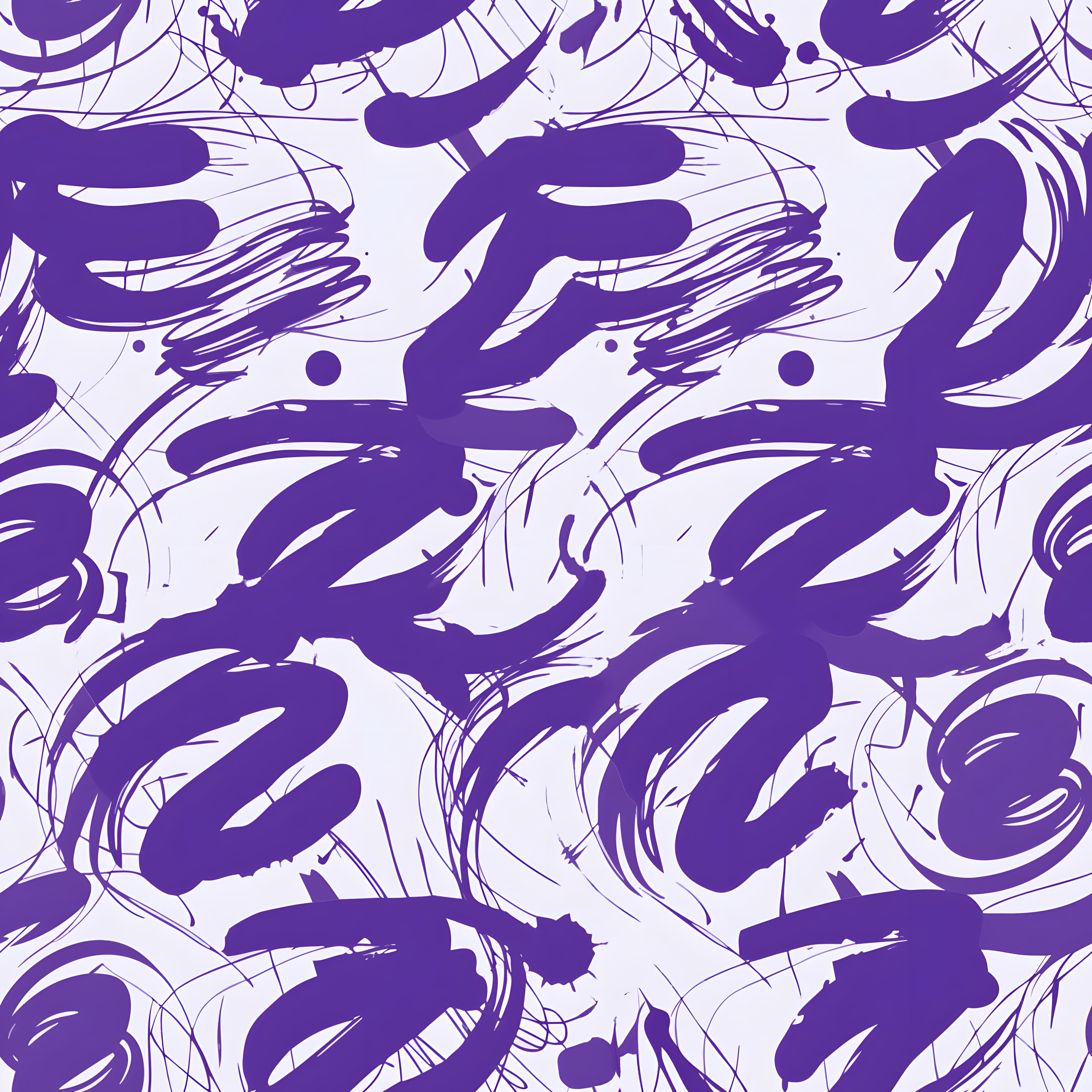
Repeat prints
Create seamless patterns for all-over applications. Export SVG or PNG; preview on a mockup.
Image → flat vector
Turn a garment photo or sketch into a clean line flat you can edit, export as SVG and reuse across styles.
- ✓ CollarWhat should change?Only the collar changesMake the change
Precise edit
On any sketch or mockup, tap a part, like a collar, pocket or panel, and say what to change. The rest of your design stays as it was.
Collection brief
Give clothink a creative direction, plan the line-up, then generate the palette, sketches, artwork and lookbook into one collection.
Placement graphics
Generate motifs and graphics for a position on the garment. Export SVG for further print or embroidery development.
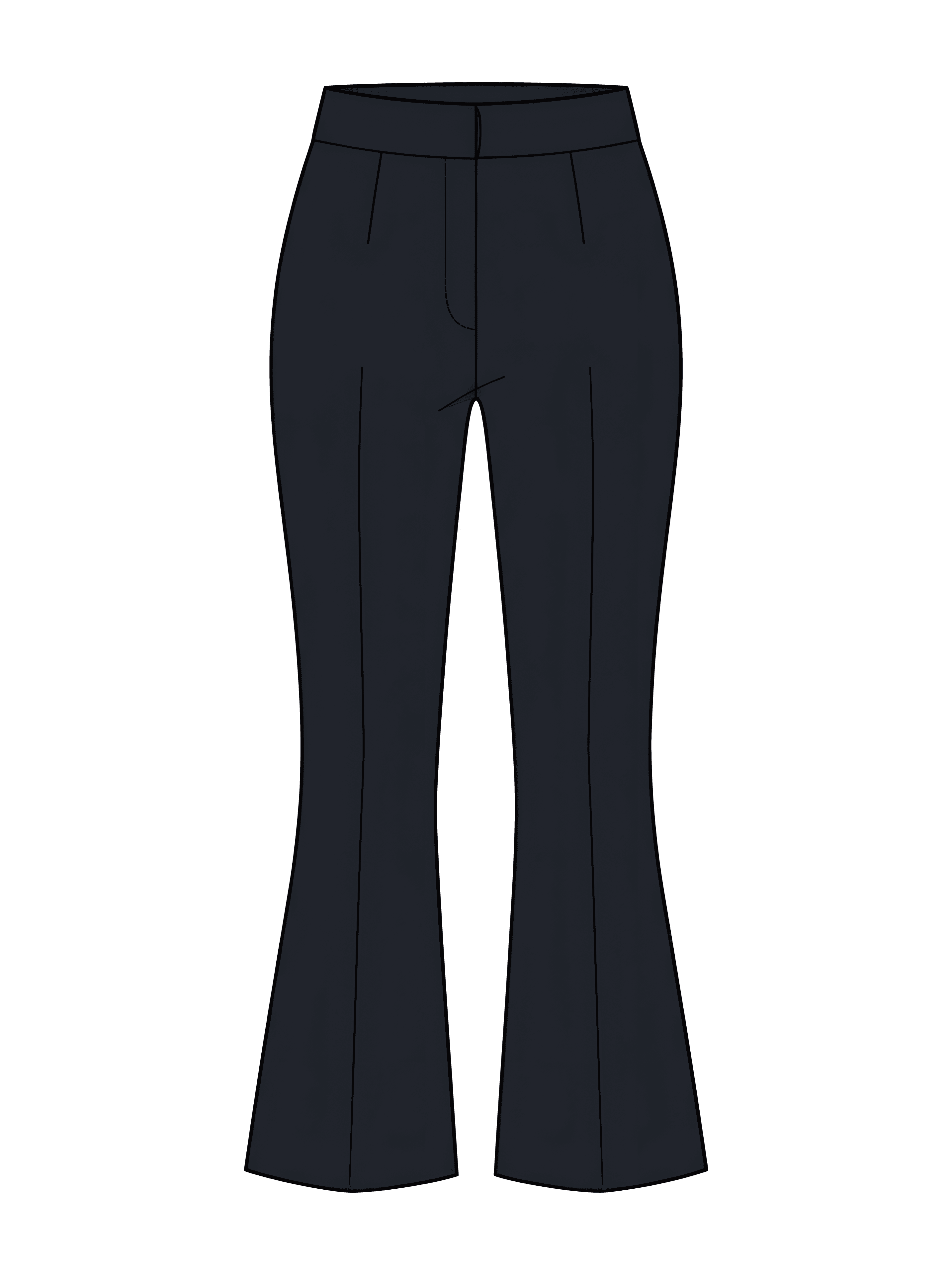
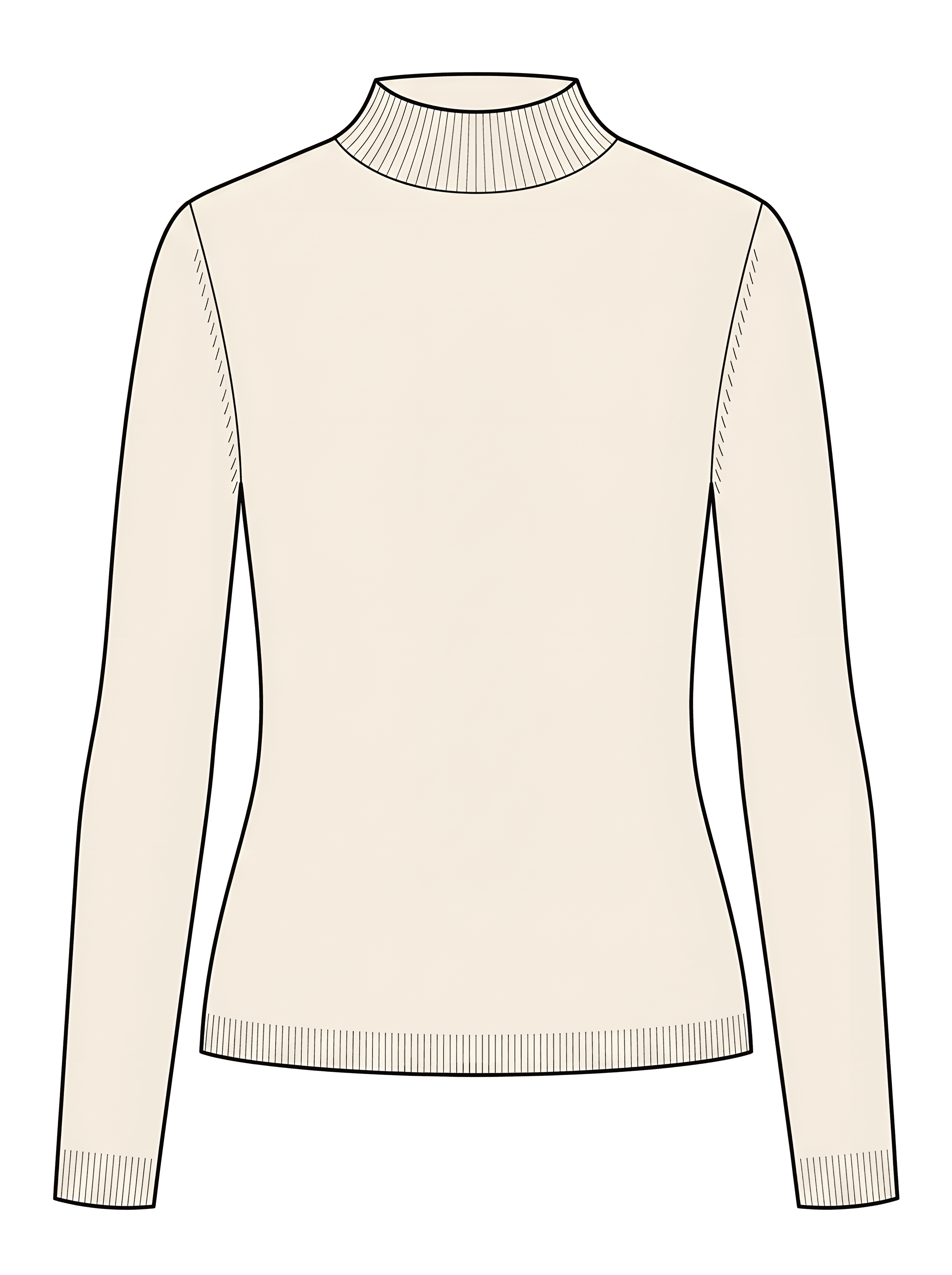
Front and back views
Generate a back view from your front sketch, and the pair carries into mockups and tech pack flats automatically.


Mockups
Seen worn, before it is sewn.
Product and model shots, recolours, scenes, video and close-ups, from a sketch or your own words.
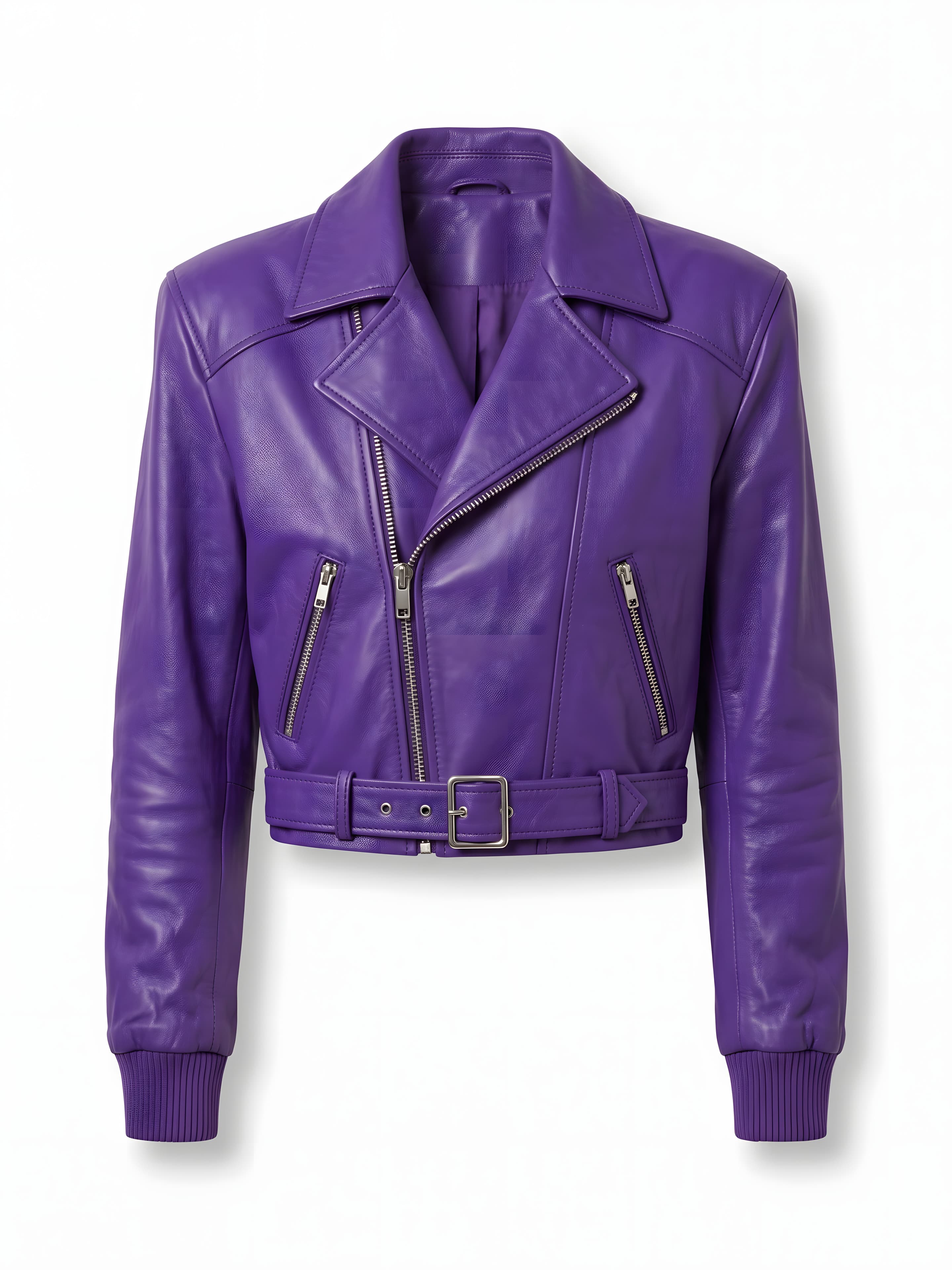
Sketch → photoreal mockup
Turn a flat or coloured sketch into a photoreal Product Shot (including ghost mannequin) before you sample.
Fabric swatch
Add a photo of your real fabric and clothink renders the garment in that cloth, matching its weave or knit, texture, sheen and colour.
Model & Product Shot
Review the same style on a model or as a Product Shot (ghost mannequin) — multiple angles for lookbook and wholesale.
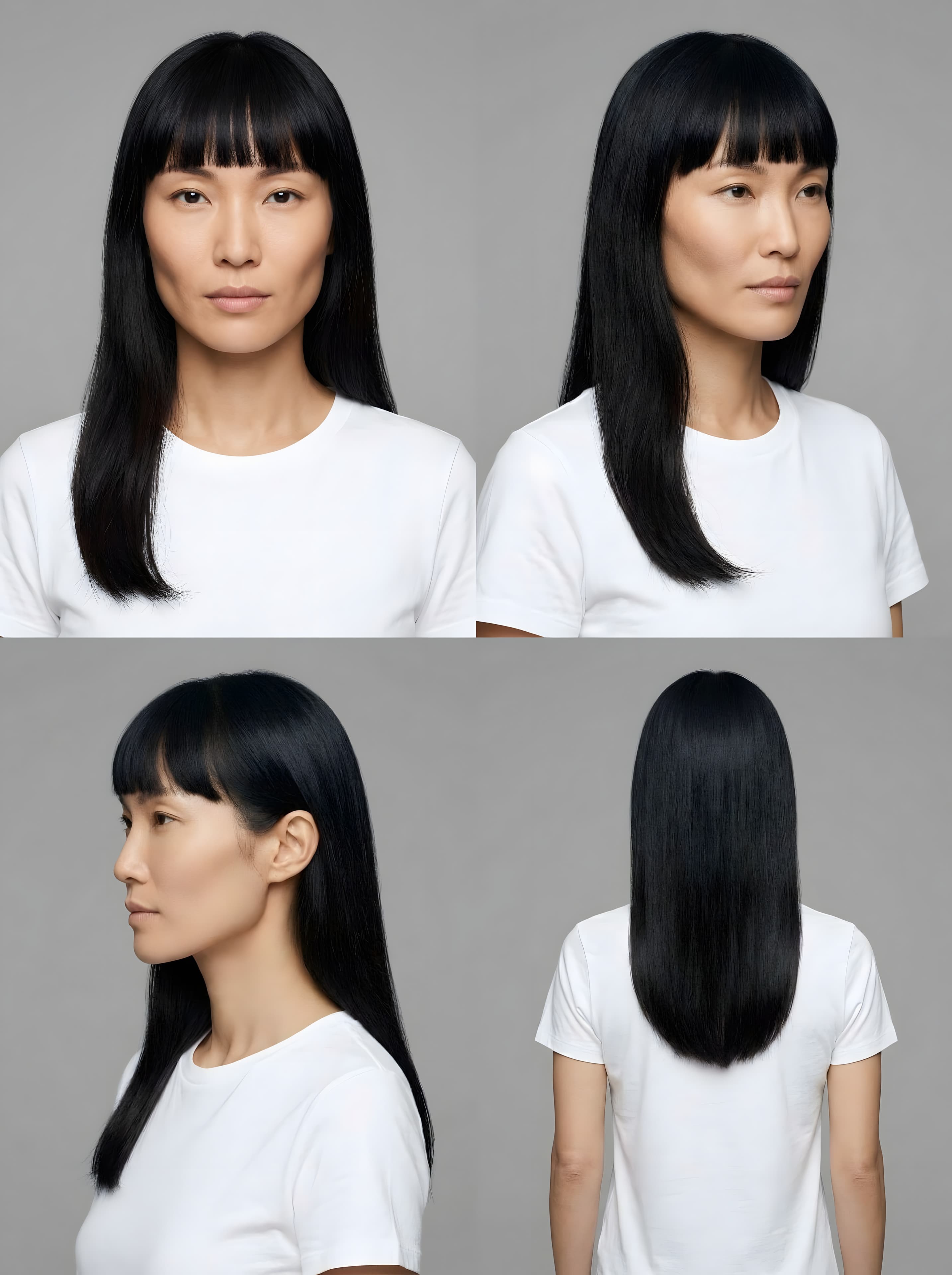
Reusable Models
Keep the same face across every shot. Four starter models on any plan; save your own on a workflow plan.
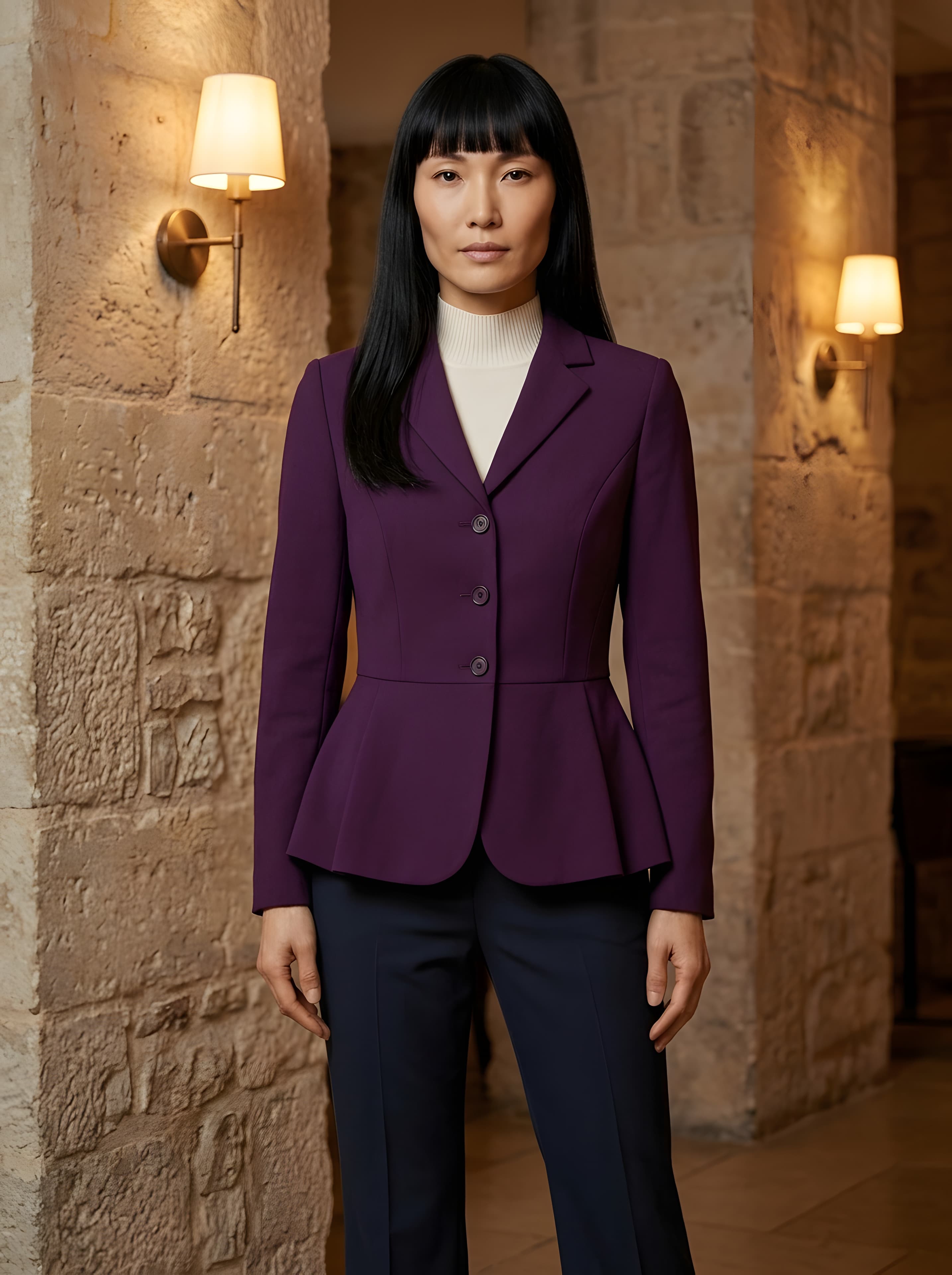
Style a full outfit
Put two to five of your garments on one model as a complete look. Single-garment mockups are on any plan; outfits are on a workflow plan.
Describe a mockup
No sketch yet? Describe the garment in your own words and clothink makes the mockup from that. Enhance fills in fabric, trims and details for free.
Recolour and colourways
Try the same mockup in new colours, typed or picked from a palette. Each colourway is a new picture and the original stays.
Scenes and angles
Reshoot a mockup in a new setting, write your own scene, or add another angle such as the back or a close-up.
Mockup video clips
Turn still mockups into short motion clips for reviews, sales decks and social.
Detailed views
One click from a product mockup generates close-ups around collars, closures, pockets and hems — useful for reviewing design direction and communicating intent before sampling.


Tech packs
Specs, drafted for you.
Auto-Complete drafts the size chart, bill of materials, call outs and How to Measure. You check it, then export PDF or Excel.
Auto-Complete tech packs
AI drafts colour specs, fabrics, size chart, BOM and construction from your design. It also draws the How to Measure guide and numbered call outs on your sketch — you review and edit before the factory sees it.
Excel export
Download a tech pack as an Excel workbook laid out like the PDF, so factories that work in spreadsheets can edit it directly.
House tech pack format
Save page order, cover, sections and bill of materials columns on a brand. Every new pack for that brand starts in the same format.
Factory-ready PDF export
Export a branded PDF with sketches, mockups and specs a factory can quote and sample from.
Brands on every export
Save a brand with its logo and colours, and its tech pack PDFs carry them. Add a brand and its logo without leaving the editor.
Split view editor
Edit the tech pack and watch the PDF update next to it as you type. Switch between Edit, Split and Preview.
Tech pack version history
Every save is recoverable — restore an earlier revision when a factory or fit comment sends you back a step, without losing the current draft.
Accessory tech packs
Make a tech pack for a scarf, hat, belt, socks, gloves or a bag. The size chart, How to Measure points and construction headings follow the product.
Collaborate
One workspace, the whole team.
Team Library, collections, lookbooks and an Assistant that knows where everything is.
Team workspaces & Team Library
Invite your team with roles; share styles, Brands and a Team Library so everyone works from the same assets.
Lookbook PDF
Download any collection as a lookbook PDF, arranged the way you want, for buyers, line reviews and press.
Collections
Group sketches, mockups, artwork, palettes and tech packs in one collection — so a season’s work stays together, not scattered across folders.
Ask Assistant
Chat with clothink’s AI assistant inside the workspace — open a mockup, start a sketch, or continue a tech pack without hunting through menus.
Questions, answered.
Can’t find yours? Ask us.
What can I do in clothink?
clothink is one AI workspace for apparel product development: generate coloured sketches and technical flats, create patterns and placement graphics in Artwork Studio, turn artwork into photoreal mockups, build factory-ready tech packs, and organise styles in collections with your team.
Do I need Illustrator or CAD experience?
No. Describe a garment in a prompt or upload a reference and clothink generates production-quality coloured sketches and technical flats you can refine in the workspace. Export sketches and Artwork Studio files as SVG or PNG when you need vectors for mills, embroidery or your existing design tools — Illustrator is optional, not a prerequisite.
How do I go from idea to a factory-ready tech pack?
Start with a sketch or coloured CAD, generate mockups to validate the look, then open a tech pack and run Auto-Complete. It drafts specs and draws the How to Measure guide plus numbered call outs on your sketch. Review, edit, then export a branded PDF.
Can I export sketches and artwork as SVG?
Yes. Coloured sketches and technical flats export as SVG or PNG — not just line flats. Artwork Studio patterns and placement graphics are vector-native too, so tileable repeats and print-ready graphics go straight to mills and suppliers without redrawing.
What is a Collection brief vs Collections?
A Collection brief is AI range planning: write a creative direction, brainstorm garment ideas free, then launch palette, sketches and optional mockups into one capsule run. Collections are the library that holds the finished work — sketches, mockups, artwork, palettes and tech packs organised by season so nothing lives in scattered folders.
Can my team work together in clothink?
Yes. Invite your team into a shared workspace so designers, product and production stay on the same styles, mockups and tech packs — no emailing files or hunting versions. Owners and admins manage members and billing, and everyone can create and edit; Team Library keeps shared artwork and patterns ready to reuse; Brands put your logo and colours on factory PDFs.
Build your next style in one workspace.
Sketches, mockups and factory-ready tech packs. Start free.
Sketches to mockups in one flow · Factory-ready tech packs · Start free