Tech packsclothink
What Is an AI Tech Pack? A Step-by-Step Guide for Fashion Brands
- Fashion tech

An AI tech pack is a production document whose first draft AI generates from your sketch or mockup and product details. You then review and edit it. It holds the same sections as a traditional tech pack: technical flat, call outs, measurements, bill of materials and construction notes. The difference is that the data entry is drafted for you. In clothink, Auto-Complete drafts the BOM, size chart, construction notes, fabric and colour specs, a How to Measure guide and numbered call outs on your sketch, from the same design you developed in the workspace. You can make and edit up to three active tech packs on the Free plan, with no card.
Factories generally want a tech pack before they quote, cut or sample a design. Most fashion founders know the term. Fewer know exactly what goes inside one, or how AI changes the time and effort involved.
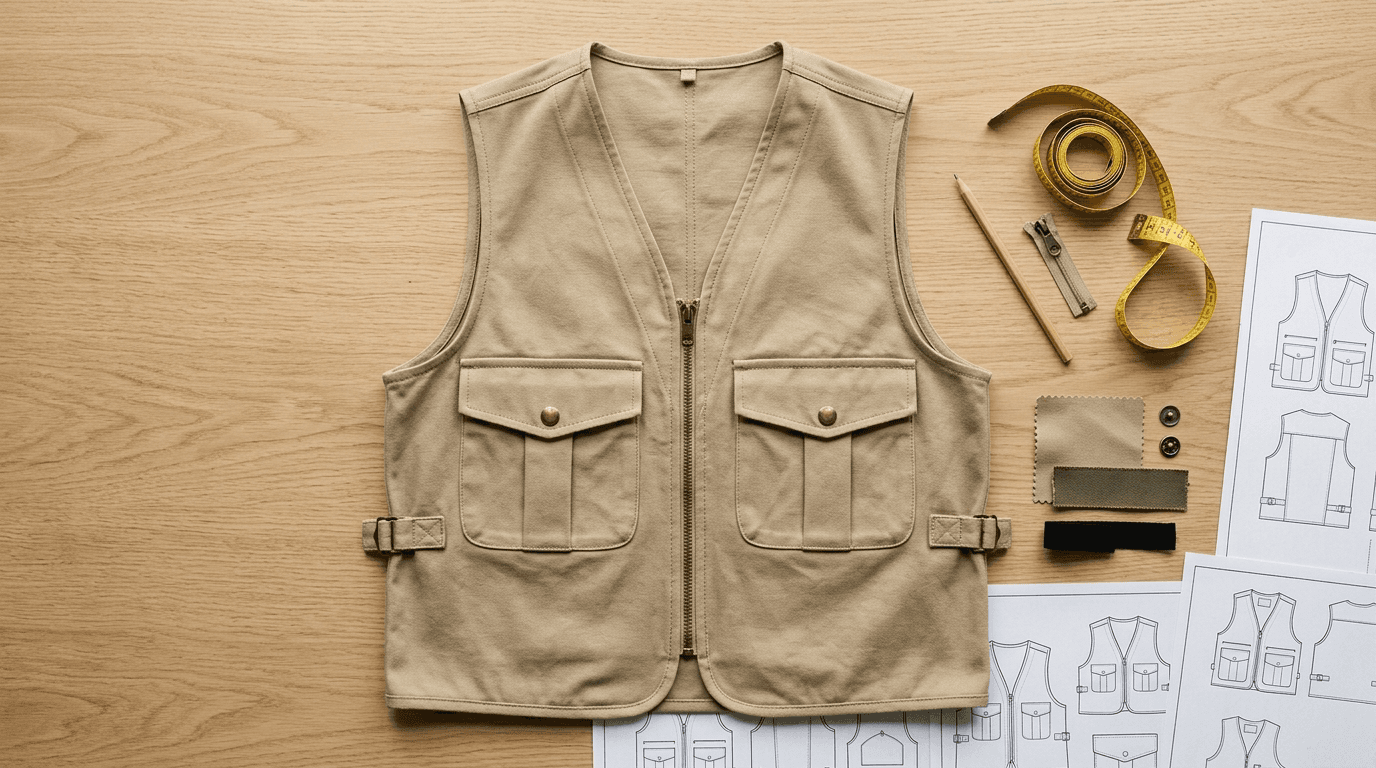
To keep this concrete, we follow one garment all the way through: a sand utility vest, from sketch and mockup to a ten-page PDF. Every image below is a page from that real tech pack, exported from clothink at prototype stage, and every number in the vest examples comes from it.

If you already know what a tech pack is and want to compare software, see our guide to the best tech pack software for fashion brands. If you are launching your first collection, this guide for startup clothing brands covers the full journey from concept to a brief a factory can quote from.
What goes inside a tech pack
A tech pack is the complete production document for a single garment. It tells a manufacturer every decision you have made, so they can build it without guessing. The exact contents vary by brand and factory, but a tech pack typically includes these sections, shown here with the vest:
- Style information and materials. Name, product type, size range, colourways and the main materials. The vest is a men’s utility vest in sand, sized XS to 3XL, with a 290 GSM cotton twill main fabric, a 115 GSM cotton lining and a 130 GSM pocketing.
- Technical flat with call outs. Front and back drawings with numbered call outs that point at each construction detail. The vest has twelve, from the V-neckline to the bottom hem.
- Construction notes and detail views. How each call out is built, plus close-ups of the details that are easy to misread, such as the chest pocket flap and snap, the zip pull and the side adjuster tab.
- Size chart. Every point of measure, with a tolerance, across every size. The vest has twelve, coded A to L, graded from a master size M.
- How to Measure. A diagram that shows where each point of measure is taken, so the factory and your fit checks measure the same way.
- Bill of materials (BOM). Every material with its placement, composition, weight or size and colour: fabric, trims, thread, labels and packaging.


A factory uses the flat and call outs to understand the structure, the BOM to source materials, the size chart to cut and grade, and the construction notes to sew. Every section feeds the next stage of production, which is why a weak or incomplete tech pack creates expensive problems downstream.
Traditional tech packs vs AI tech packs
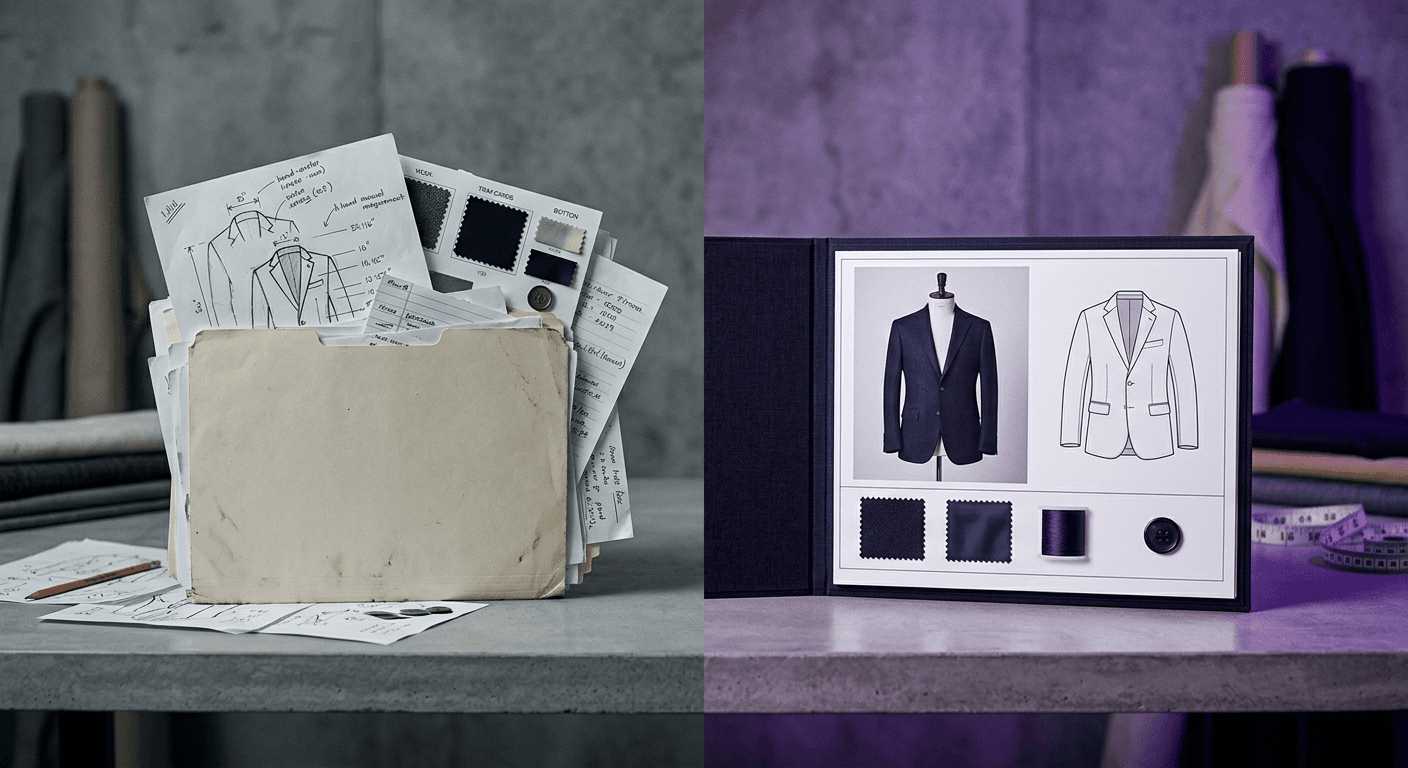
A traditional tech pack and an AI-assisted one contain the same sections, because a factory expects them either way. What differs is how much of your time goes on data entry rather than design decisions.
In a traditional workflow, a designer opens a spreadsheet template or a standalone tool and types the BOM row by row, builds the size chart from their own grading knowledge, places call outs by hand and writes construction notes from scratch. It is slow, repetitive work, and it multiplies with every style in a collection.
With clothink, you make the decisions on product type, fit, fabric direction and construction intent, and the AI drafts the rest from your sketch and mockup. The result is a complete first draft with real data, instead of empty fields. It is not finished: you still review, edit and refine it, and check it against a physical sample.
| Section | Traditional tech pack | AI tech pack (clothink) |
|---|---|---|
| BOM | Typed row by row | Drafted from your materials and colours |
| Size chart | Built from your own grading | Drafted for the product type and graded across your scale |
| Call outs | Placed by hand | Numbered and placed on your sketch |
| How to Measure | Drawn separately | Lines drawn on the outline with matching codes |
| Construction notes | Written from scratch | Drafted from the BOM and size chart |
| Review | Still needed | Still needed |
Building the vest’s tech pack with AI, step by step
Several steps build on earlier ones: Auto-Complete uses your materials and colours when it drafts the BOM, and the construction notes draw on the BOM and size chart. As a checklist:
- Create a style for the product.
- Attach a flat and a mockup, or generate them.
- Run Auto-Complete and tick the sections you want drafted.
- Check the AI call outs on the sketch.
- Check the How to Measure guide and the size chart.
- Review the BOM and the construction notes.
- Export a branded PDF or Excel file.
Step 1: create a style
A style is the folder for one product: its mockups, sketches and one active tech pack. Name the product in your own words and clothink files it under the closest standard product type, then set the season, fit and target demographic. This information feeds the AI suggestions for the rest of the workflow. Our vest is a men’s utility vest, sized XS to 3XL.
Step 2: attach a flat and a mockup, or generate them
Upload your technical flat. If you do not have one, use clothink’s sketch generator to produce clean front, back and side views from one description or reference image. No sketch at all yet? Describe the garment and clothink makes the mockup from your words. The flat anchors the tech pack and gives the factory visual context before it reads the spec. You can also generate a photoreal mockup from the flat, so suppliers can see the physical product. The mockup stays attached to the style and appears in the PDF.
Step 3: run Auto-Complete
Auto-Complete opens a picker where you tick the sections you want drafted: materials and colours, size chart, How to Measure, BOM, and construction notes, which also place numbered call outs on your sketch. Empty and part-filled sections start ticked and finished sections start unticked, so you do not overwrite work by accident.
It first analyses your images, then drafts in order: materials and colours, the size chart, the How to Measure guide (where there is an outline to draw on), the BOM and the construction notes. Finally it places numbered call outs on your sketch and shows the complete draft for review before anything is saved. The AI reads any flat or line drawing attached to the style for panel shapes and construction details, and any mockup for fabric texture and colour, so its suggestions reflect your garment, not a generic template for the category. A full run usually takes two to three minutes.
Auto-Complete agent
Building your tech pack with AI
Visual analysis
Materials & colours
Size chart
How to measure
Bill of materials
Construction notes
Call outs
Step 4: check the AI call outs
Call outs are the numbered pins on the technical flat that tie each construction detail to a note. On the vest, C01 marks the self-fabric bound V-neckline, C02 the exposed #5 metal zip, C08 the 3D bellows chest pockets, C09 the antique brass snap flaps and C12 the curved drop-back hem. The same code appears on the sketch and in the construction notes, so a factory can find the instruction for any detail in seconds.

The AI places call outs as a starting point. Check that each lands on the detail it describes, and edit any that do not.
Step 5: check the How to Measure guide and the size chart
The size chart drafts a set of measurement points for your product type, graded across every size in your size scale. It works from the product type and fit you set on the style, read against your sketch and mockup. Choose a scale (alpha, EU or US numeric, waist and inseam, kids’ age, one size or your own custom scale), then adjust the base measurements for your block and the grading steps for each size.
The vest’s chart has twelve points of measure, A to L, from neck drop to back length, each with a tolerance from ±0.3 cm to ±1 cm and every size from XS to 3XL. The How to Measure guide then draws a numbered line on the garment outline for each measurement, using the same codes, so the person measuring a sample knows exactly where to place the tape. The back view below shows the shoulder width (K) and back length (L).

Treat the numbers as proposals until you have checked them against a physical sample or your own pattern. You can also add custom measurement rows for garment-specific points.
Step 6: review the materials and the BOM
Materials and colours is the first section Auto-Complete drafts. From your sketch and mockup it suggests composition, weight (gsm), finish and colours, and the fabric rows stay in sync with the BOM. The BOM then adds trims, thread, labels and packaging. The vest’s BOM groups its materials as fabric, trims and accessories, thread and stitching, labels and branding, and packaging. It lists a 290 GSM heavy cotton twill in sand, a 35 cm open-end #5 antique brass zip, spring snap buttons for the pocket flaps, Tex 40 construction thread, a woven damask main label and a recycled polybag.
Step 7: review the construction notes
Construction notes are the most time-consuming section to write from scratch. They need a stitch type, seam finish and construction method for every seam and detail. clothink drafts them from the BOM, size chart and materials, grouped by garment area, with stitching, finishing and packing detail. The vest’s notes are grouped under neckline and front closure, body and seams, armholes and side tabs, pockets and details, hem, and labels and finishing. C02, for example, tells the factory to install the open-end zip along the centre front edge, sandwiching the zip tape between the shell and the sand cotton lining. Because the AI has seen your fabric and trim list, the notes refer to your actual materials. Review them, and add anything the AI missed.
Step 8: export
Work in Split view to see the PDF update beside the form, set the page order and a layout per section, then export a branded PDF or an Excel workbook laid out like the PDF when you are ready for the first sampling round. The PDF carries your logo and colours, a version number, a status and a date: the vest’s is version 1, status Proto. When you revise after sample feedback, re-export and the file reflects the latest version. A pack is supplier-ready once you have reviewed it.
Making and editing tech packs is free on the Free plan, with no card. To download a pack as a branded PDF and Excel file, unlock it once for £15, or choose any paid plan, where downloads are included.
Working with manufacturers: what to send and when
A common mistake when approaching a manufacturer for the first time is arriving without enough information. Factories work from specifications. If your spec is incomplete, the factory fills the gaps, and the sample reflects their interpretation, not your design intent. Here is what you need at each stage:
- For a quote: a technical flat, a brief BOM (main fabric, key trims), an approximate size range and a target quantity. This usually gives the factory enough for a first estimate of material costs and cost of manufacture.
- For a proto sample: a complete tech pack, covering the flat and call outs, full BOM with colour codes, size chart for the base size, construction notes and branding placement.
- For a fit sample: the revised tech pack with corrections marked from proto feedback, and a measurement feedback sheet comparing actual to specified measurements.
- For pre-production (PP) approval: the final approved tech pack version with all revisions. This is the document that governs bulk production.
Factories bring production expertise: often grading from your base, sourcing fabric within your spec and executing the construction method. You bring the design intent: the flat, the materials decision, the fit specification and the brand placement. A manufacturer cannot know your design intent from a conversation. The tech pack is how you transfer it.
Brand defaults and the material library: set your standards once
If you are developing more than a handful of styles, set your standard once on a Brand. Save a brand default (page order, cover, which sections start on and the BOM columns) and new tech packs for that brand start with that house format. Measurements, materials and notes stay on each pack. Keep the materials you use often in the material library, and link a size scale so size names and grading steps stay consistent across packs.
A brand that makes utility pieces like our vest can keep its cover, page order and BOM columns the same across every style. Its usual zips, snaps and labels sit in the material library, so each new style starts from the same house format instead of a blank page.
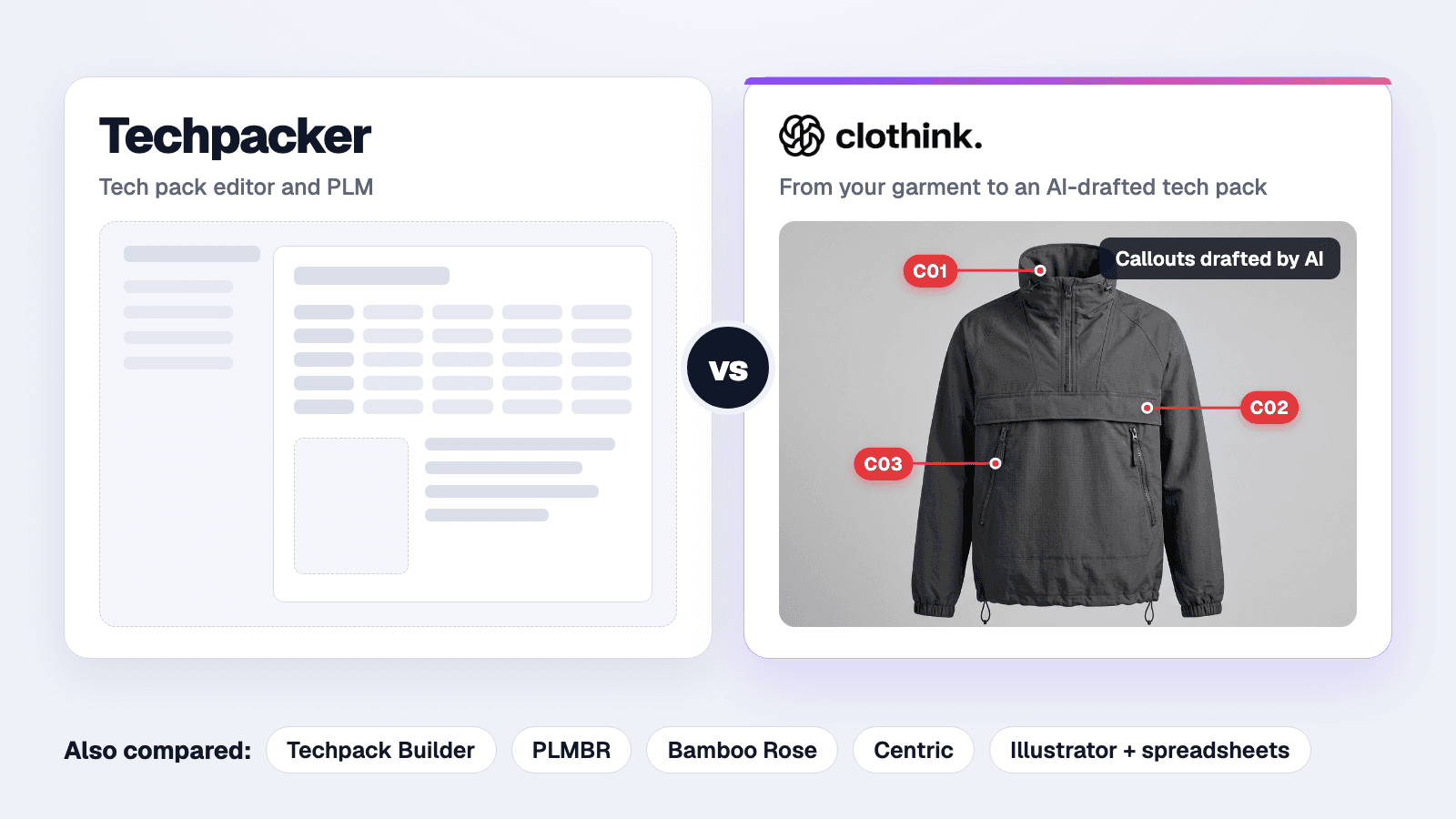
Pricing is usually the next question. clothink starts with a Free plan, and paid plans start at £19/mo for Creator, with every export included (checked 6 October 2026). Compare that against Techpacker and PLM tiers in our best tech pack software comparison.
Frequently asked questions
What are AI call outs on a tech pack?
Call outs are numbered pins on the technical flat, each linked to a construction note, so a factory can find the instruction for any detail. In clothink, Auto-Complete places them on your sketch as a starting point. Check that each one lands on the right detail and edit any that do not.
What is a How to Measure guide?
A How to Measure guide is a diagram that shows where each point of measure on the size chart is taken. In clothink, Auto-Complete draws a numbered line on your garment outline for each measurement, using the same codes as the size chart. Treat the lines as a starting point and drag any that sit in the wrong place.
Do I need a tech pack before approaching a manufacturer?
In practice, yes: at minimum a technical flat, a brief BOM and a size range. Many factories will want a complete tech pack before they invest time in a proto sample. The more complete your spec, the closer the first sample is likely to be to your intended design.
How long does a tech pack take to build in clothink?
A full Auto-Complete run usually takes two to three minutes. It drafts the BOM, size chart, construction notes, materials and colours, How to Measure guide and call outs in a single action, and you then review and edit the result. If you tick only some sections in the picker, the run is shorter. The whole job also depends on garment complexity, how much information is already on the style and how carefully you review.
What is the difference between a tech pack and a spec sheet?
A spec sheet usually means the measurements section only: all points of measure by size. A tech pack is the complete document: technical flat, call outs, BOM, spec sheet, construction notes, branding placement and packaging spec. Factories generally need the full tech pack to produce; a spec sheet alone is usually not enough.
Can I export a tech pack to Excel?
Yes. clothink exports a branded PDF and an Excel file. On the Free plan you unlock a pack once for £15 to download it, and a paid plan includes every export.
Can I use clothink for any garment category?
Yes, and accessories too. Name the product in your own words, for example a quilted gilet, and clothink files it under the closest standard product type. For a bag, hat, belt, scarf, socks or gloves, pick the type under Accessories and the pack gets the right fields. The AI suggestions are tuned to that type and the fit you set on the style.
How much does AI tech pack software cost for small fashion brands?
Small brands should favour transparent monthly plans over opaque enterprise quotes. clothink starts with a Free plan: no card, up to three active tech packs, and £15 to unlock a pack for download. Paid plans run from Creator at £19/mo through Master at £39/mo to Expert at £79/mo, and team workspaces start at £49/mo (checked 6 October 2026). For a side-by-side with Techpacker, CLO-SET and PLM pricing, see our best tech pack software comparison, and confirm current limits on the pricing page.
Does AI write the tech pack for me?
No. AI handles the data entry and assembly: suggesting BOM rows, drafting the size chart, writing construction notes, placing call outs and drawing the How to Measure guide. You make every design decision: product type, fabric direction, construction intent and fit. Every section of a clothink tech pack is editable, and every suggestion is a starting point that you review, edit and approve before it goes to a supplier.
Where clothink fits
- Drafted from your design. Auto-Complete reads the sketch and mockup you made in the same style.
- Every section editable. Call outs, How to Measure lines, size chart, BOM and notes are proposals you check.
- Garments and accessories. Bags, hats and belts get their own fields.
- Files factories use. A branded PDF and an Excel workbook laid out like the PDF.
- Free to start. Make and edit up to three active tech packs with no card; unlock one for £15 or choose a plan from £19 a month.
Build your first AI tech pack
Start on the free plan, with no card. Draft the BOM, size chart, call outs and How to Measure guide with Auto-Complete, then preview your PDF.